The College > Short Courses > AutoCAD Trainings in Lahore
AutoCAD Trainings in Lahore
Master Python by building 100 projects in 100 days. Learn data science, automation, build websites, games, and apps!
Instructor: Sir. Shan e Ulfat
Individual Class
One to one practical training
100% Practical Work
Hands on real projects
3 Months Duration
Short and focused course
Certificate of Completion
Recognized course completion certificate
ہم گروپ میں کام نہیں سکھاتے ہیں۔ اگر آپ نے کوئ کورس کرنا ہے تو ہمارا ادارہ سب کو علیحدہ علیحدہ کام سکھاتا ہے۔ کسی طالب علم نے جب شروع کرنا ہو جائے گا۔ طالب علم اکھٹے ہوتے ضرور ہے لیکن سب کا کام علیحدہ ہوتا ہے۔ اگر کوئ کام طالب علم کوجوکام دیا جاتا ہے۔ طالب علم سے نہیں ہوتا تو اسی کام کو دوبارہ کروایا جاتا ہے جب تک پراپر سمجھ نہ آجاۓ۔ اسے آگے کام نہیں کروایا جاتا جب تک پرانا کام مکمل نہ ہو۔
Course Outline
Navigation and Interface: The course should cover the basics of navigating the AutoCAD interface and understanding the different menus, toolbars, and palettes available.
Drawing and Editing Tools: A thorough understanding of the various drawing and editing tools in AutoCAD is essential. This includes learning how to use basic drawing tools such as lines, circles, and rectangles, as well as more advanced tools like splines and polylines. The course should also cover how to use editing tools such as move, copy, and scale to modify existing drawings.
Layer Management: Layers are a fundamental part of AutoCAD and the course should cover the basics of layer management. This includes creating and managing layers, setting layer properties, and controlling the visibility and printability of layers.
Dimensioning: A short course on AutoCAD should cover the various dimensioning tools available, such as linear, radial, and angular dimensions. It should also cover how to create and edit dimension styles and how to dimension drawings accurately.
Blocks and Reusable Content: AutoCAD allows users to create and use reusable blocks, which can save time and improve productivity. The course should cover how to create and manage blocks, as well as how to use them in drawings.
Printing and Plotting: A short course on AutoCAD should cover the basics of printing and plotting drawings. This includes understanding how to set up layouts, how to control the appearance of drawings on paper, and how to prepare drawings for plotting on large-format printers.
File Management: The course should cover the basics of working with AutoCAD files, such as opening, saving, and exporting files in different formats.
Tips and Tricks: A short course on AutoCAD should include tips and tricks for working more efficiently with the software, such as keyboard shortcuts and customization options.
Hands-on exercises: A good AutoCAD short course should contain hands-on exercises that will help the students to learn by doing. This will also give them a chance to practice what they learned on their own.
.
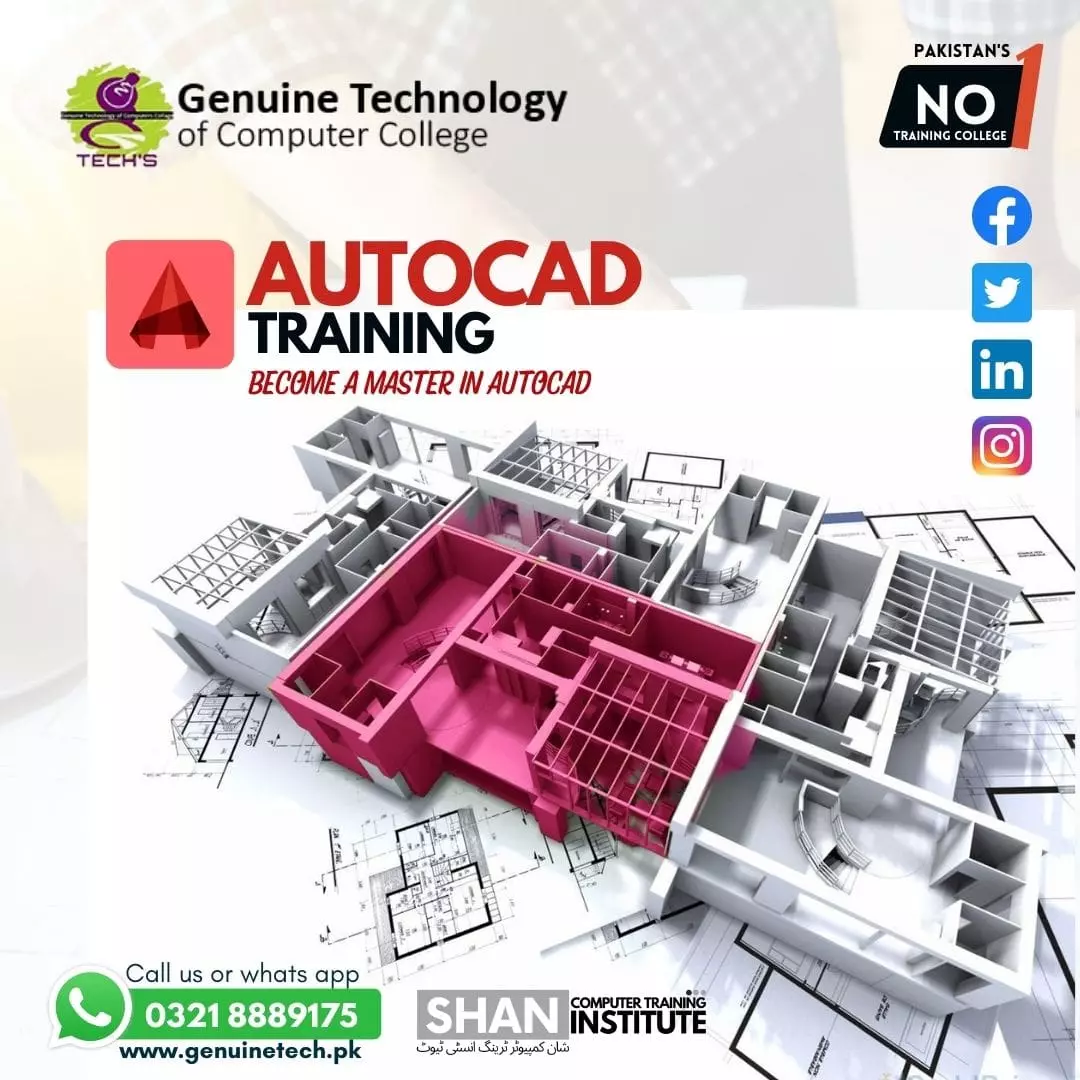
AutoCAD is a computer-aided design (CAD) software that is widely used in a variety of industries, such as architecture, engineering, and construction. AutoCAD allows professionals to create 2D and 3D designs and drawings, and it can be used to create detailed plans and blueprints for buildings, bridges, and other structures.
AutoCAD training can be a valuable asset for anyone looking to start a career in design or engineering, or for professionals looking to improve their skills and advance in their careers. There are a variety of AutoCAD training options available, including online courses, in-person classes, and self-paced tutorials.
Online AutoCAD training is a convenient and flexible option for those who want to learn at their own pace. There are many websites that offer AutoCAD training, and some of these courses are even free. However, with free options, it might not have the same quality as paid ones. These online courses usually include video tutorials, interactive exercises, and quizzes, as well as access to a community of other learners for support and feedback.
In-person AutoCAD training is a more traditional approach to learning, and it can be a great option for those who prefer hands-on instruction. Many technical schools and community colleges offer AutoCAD classes, and these classes are typically taught by experienced professionals. In-person classes offer a more structured learning environment, and they provide students with the opportunity to ask questions and receive immediate feedback.
Self-paced AutoCAD tutorials are another option for learning AutoCAD. These tutorials typically consist of written instructions and step-by-step guides, and they can be found online or in print. Self-paced tutorials can be a great option for those who want to learn at their own pace and on their own schedule. However, self-paced learning lacks the ability to ask for help or clarification from an expert.
No matter which training option you choose, the important thing is to make sure that the training is comprehensive and covers all of the essential features and tools of AutoCAD. Additionally, it should cover the new updates and advanced tools as well. Look for a training program that includes a certification or completion certificate and that is recognized in your industry.
Overall, AutoCAD training is a great investment for anyone looking to start or advance a career in design or engineering. With the right training and practice, you can become proficient in AutoCAD and start creating professional-grade designs and drawings.
You pay Rs.15000 — pay monthly at Rs.5000/mo
Contact on WhatsApp